Introduction: Are You Drowning in YAML?
If you’re working with Kubernetes, you’ve probably felt it: that sinking feeling as your k8s-manifests folder grows larger than your actual application code. Deployments, Services, Ingresses, ConfigMaps, Secrets… each application requires a symphony of YAML files. And if you need to deploy the same application to development, staging, and production? Well, prepare to copy, paste, and pray you don’t miss a single line change.
It’s like building the perfect meal, but for every single customer, you have to write down every single ingredient and cooking instruction from scratch. Every. Single. Time.
That’s where Helm comes in. If Kubernetes is the professional kitchen, then Helm is your digital menu and the ultimate recipe book.
The Problem: Cooking from Scratch Every Time
Imagine you want a simple pepperoni pizza. Without Helm, your conversation with the chef would go something like this:
- “Chef, please make dough with flour, water, yeast, salt…”
- “Chef, now apply tomato sauce made from these specific San Marzano tomatoes…”
- “Chef, arrange exactly 20 slices of pepperoni in a spiral pattern…”
- “Chef, bake at 450°F for 12 minutes in the top-left oven…”
- “Chef, put it in a 14-inch cardboard box…”

Image: A stressed chef sits at a kitchen counter, surrounded by dozens of tiny handwritten notes with detailed instructions for making dough, sauce, and toppings. He holds a magnifying glass over one particularly complex note, looking overwhelmed.
Now, imagine you want another pepperoni pizza, but with extra cheese. You’d have to rewrite almost all those instructions just to change one detail. This is the pain of managing Kubernetes deployments manually.
The Solution: Helm – Your Digital Pizza Menu
Helm streamlines this entire process. It introduces three core concepts:
1. Charts: The Pre-made Recipe (or Menu Item)
A Helm Chart is like a pre-defined pizza recipe. It contains all the standard instructions (your YAML files) needed to cook a specific type of pizza (deploy an application). The chef already knows how to make the dough, prepare the sauce, and bake it perfectly for a “Pepperoni Lovers” pizza.
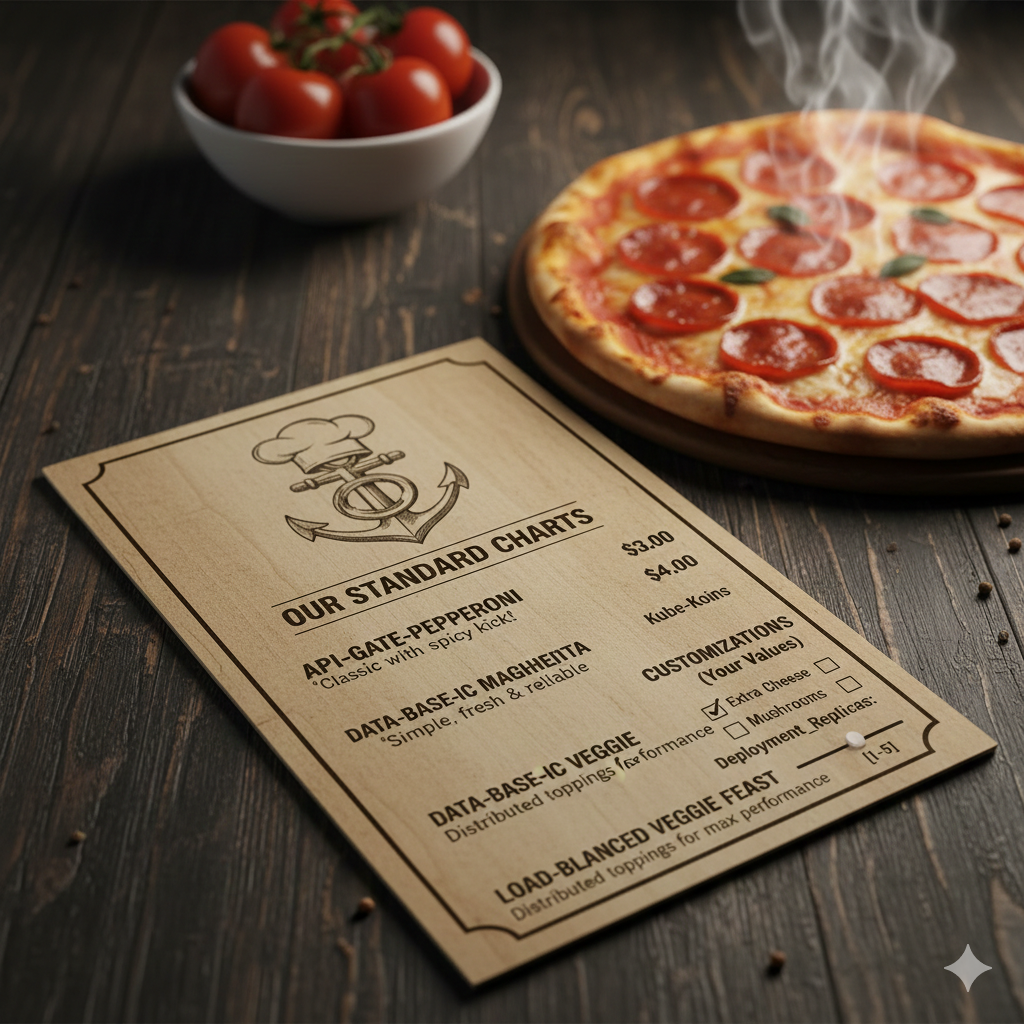
Image: A rustic, elegant wooden menu card on a dark wooden table next to a steaming hot pepperoni pizza. The menu has a stylized anchor logo and lists “Our Standard Charts” like “API-GATE-PEPPERONI” and “DATA-BASE-IC VEGGIE.” Under “Customizations (Your Values),” there are checkboxes for “Extra Cheese” and “Mushrooms,” and a numerical input for “Deployment_Replicas.”
You don’t need to specify every detail; you just pick from the menu! There are thousands of ready-to-use Charts for popular applications like WordPress, Redis, and Prometheus.
2. Values: Your Custom Toppings (or Order Slips)
While the Chart provides the standard recipe, Values allow you to customize it without changing the core recipe. Want extra cheese? Different port numbers? More replicas (more pizzas)? You just list your preferences.
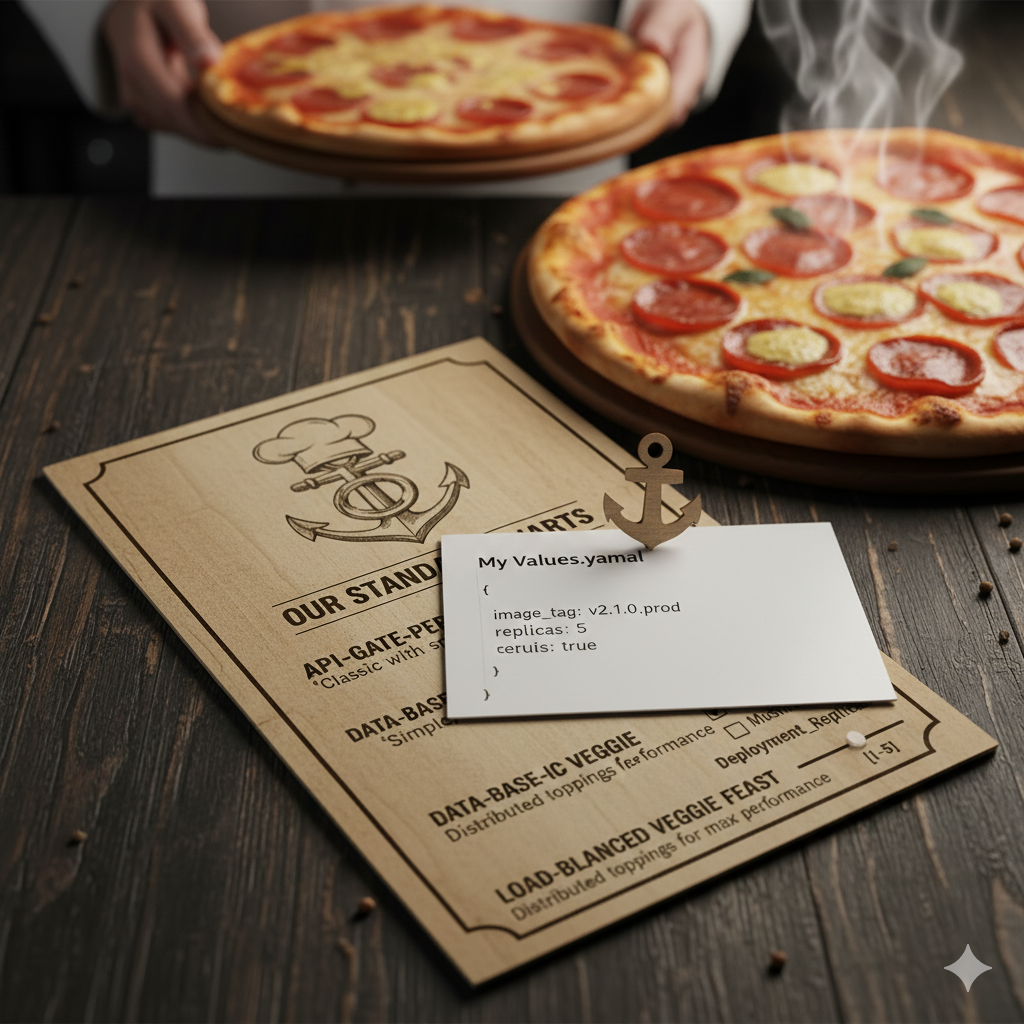
Image: The same rustic menu and steaming pepperoni pizza. A small white card, clipped with a tiny anchor-shaped paperclip, sits on the menu. The card reads “My Values.yaml” and contains simple YAML code: image_tag: v2.1.0.prod, replicas: 5, cerule: true. In the background, a chef’s hands hold another pizza, about to serve.
This is how you use the same Chart for your Dev environment (e.g., replicas: 1) and your Production environment (e.g., replicas: 50)—you just provide different values.yaml files.
3. Release: Your Actual Pizza on the Table
A Release is the specific instance of a Chart that has been deployed with a particular set of Values. If you order two “Pepperoni Lovers” pizzas but one has extra cheese and the other has mushrooms, those are two distinct “Releases.”
Helm keeps track of every Release, including its history and the exact configuration used.

Image: A smiling chef beams from behind a kitchen counter. In front of him are two steaming, freshly baked pizzas on wooden boards: one pepperoni, one mushroom. A small wooden sign next to the pizzas lists “My Releases” with entries like “1. pepperoni-prod (v2.1.0)” and “2. pepperoni-dev (v1.0.0)”. The menu card from previous images is also visible.
Why Helm is a Superpower for Developers
- Speed: You can deploy complex applications with a single command:Bash
helm install my-blog bitnami/wordpress --set mariadb.auth.database=user_dbThis one line replaces dozens or hundreds of lines of YAML! - Consistency: Deploy the exact same application to Dev, Staging, and Production by simply swapping a
values-env.yamlfile. No more “it worked on my machine” issues related to deployment. - Safety (The “Undo” Button): If a new deployment breaks your application,
helm rollback my-app 1instantly reverts to the previous working version. It’s like being able to un-burn a pizza! - Ecosystem: The Helm Hub (Artifact Hub) is a treasure trove of production-ready Charts for almost any application you can imagine. Don’t reinvent the wheel; just
helm install.
Conclusion: Stop Drowning, Start Helm-ing!
Kubernetes is incredibly powerful, but its verbosity can be daunting. Helm transforms Kubernetes from a complex, manual assembly line into an efficient, menu-driven restaurant.
It’s time to stop writing every instruction from scratch. Embrace Helm, grab a Chart, choose your Values, and enjoy a perfectly deployed application. Your sanity (and your colleagues) will thank you for it!
Leave a Reply